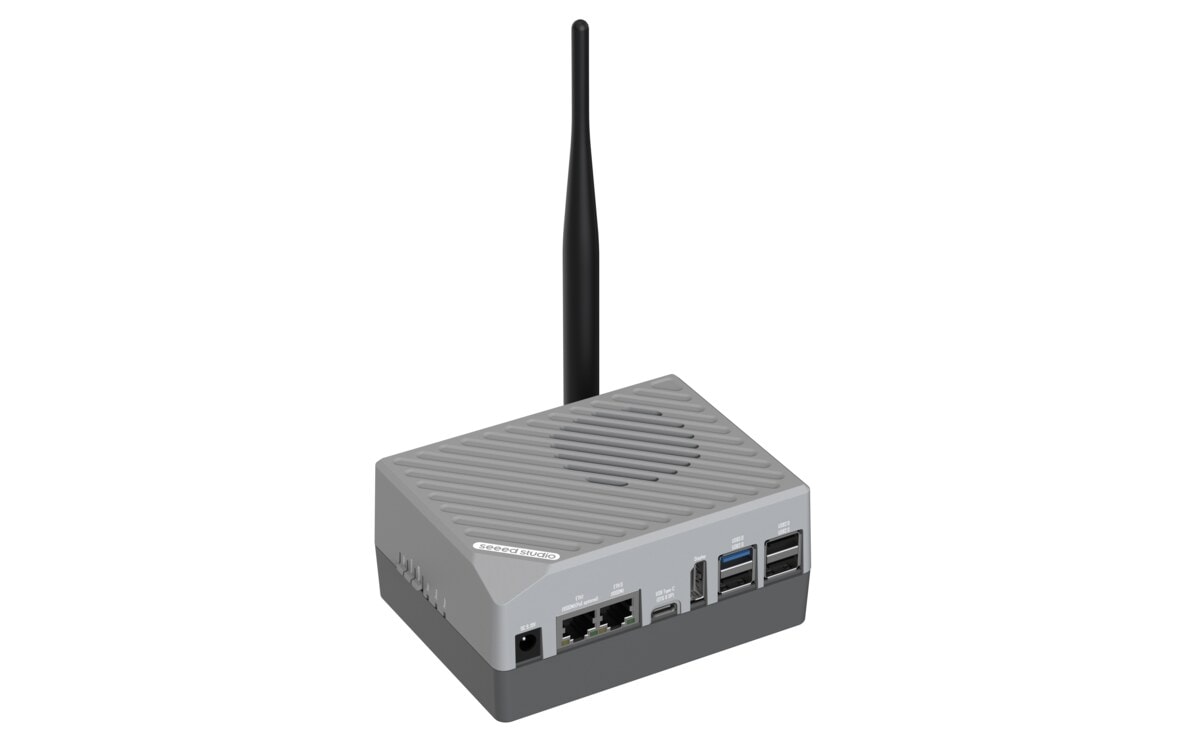
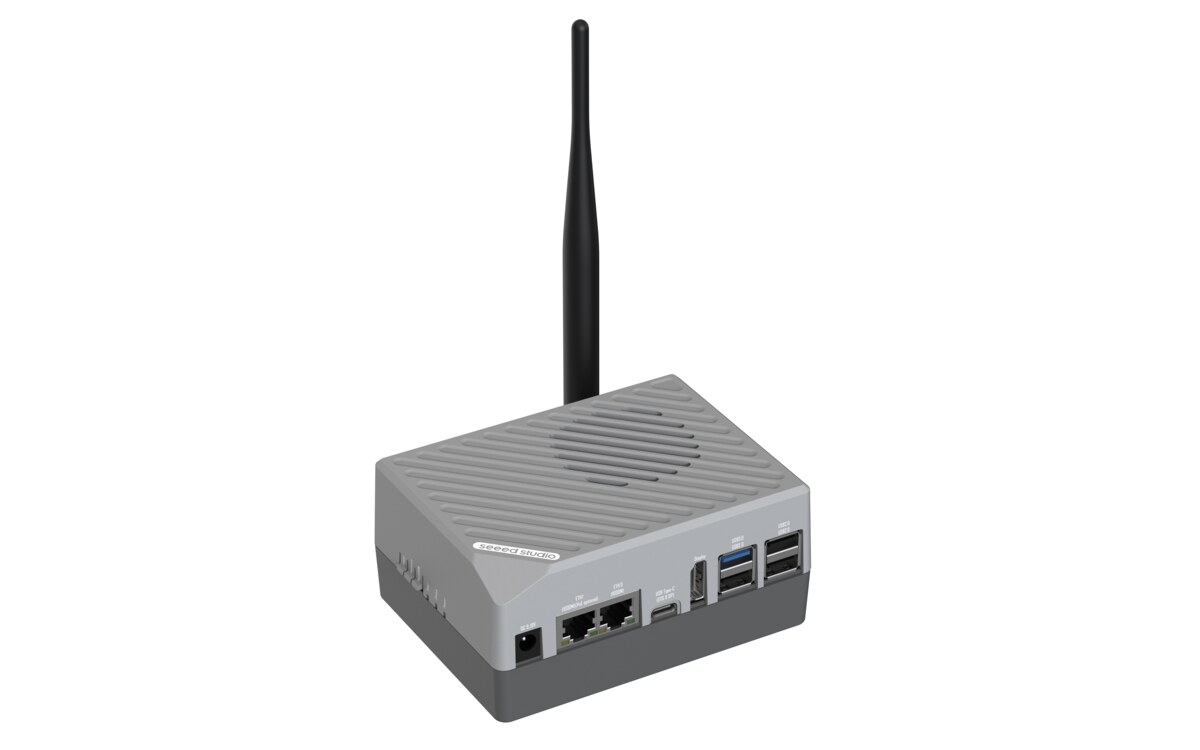
Preset: RK3576 Vision-Language Model {#rk3576_vlm}
Deploy Qwen2.5-VL vision-language model to your reComputer RK3576 with one click.
| Device | Purpose |
|---|
| reComputer RK3576 | Runs Qwen2.5-VL with NPU acceleration |
What you'll get:
- Multimodal AI that understands both images and text
- OpenAI-compatible vision API running locally
- Image captioning, visual Q&A, and more — all on-device
- Interactive API documentation at
/docs
Requirements: RK3576 device (8GB+ RAM) with SSH access + Docker installed
Step 1: Deploy Qwen2.5-VL {#deploy_vlm type=docker_deploy required=true config=devices/rk3576.yaml}
Deploy the vision-language model container to your RK3576 device.
Target: Remote Deployment {#rk3576_remote type=remote config=devices/rk3576.yaml default=true}
Deploy to your RK3576 over SSH with one click.
Wiring
- Connect RK3576 to the same network as your computer
- Fill in device IP, SSH username, and password
- Click Deploy
Deployment Complete
- The VLM container is running on your RK3576
- Vision chat API:
http://<device-ip>:8002/v1/chat/completions
- API docs:
http://<device-ip>:8002/docs
Troubleshooting
| Issue | Solution |
|---|
| SSH connection failed | Verify IP address, username, password |
| NPU not detected | Ensure device is RK3576 with RKNPU kernel module loaded |
| Out of memory | VLM requires 8GB+ RAM. Close other services to free memory |
| Image pull slow | Check network connection. Image is about 3GB |
Step 2: Try Vision Chat {#verify_vlm type=image_text_chat}
Test the VLM by sending an image or text.
Mode: Image Understanding {#vision_mode config=devices/vlm_chat.yaml default=true}
Upload an image and ask a question about it.
Troubleshooting
| Issue | Solution |
|---|
| Connection refused | Wait 60-120 seconds for model to load |
| Timeout | VLM model is large, initial load takes time |
Mode: Text Chat {#text_mode config=devices/vlm_text.yaml}
Chat with the model using text only.
Troubleshooting
| Issue | Solution |
|---|
| Empty response | Check container logs: docker logs ai_lab_vlm |
Deployment Complete
Qwen2.5-VL is running on your RK3576 device.
Text Chat Example
curl -X POST http://<device-ip>:8002/v1/chat/completions \
  -H "Content-Type: application/json" \
  -d '{"model": "rkllm-vision", "messages": [{"role": "user", "content": "Hello!"}], "max_tokens": 256}'
Image Understanding Example
curl -X POST http://<device-ip>:8002/v1/chat/completions \
  -H "Content-Type: application/json" \
  -d '{
    "model": "rkllm-vision",
    "messages": [{
      "role": "user",
      "content": [
        {"type": "text", "text": "What is in this image?"},
        {"type": "image_url", "image_url": {"url": "https://example.com/photo.jpg"}}
      ]
    }],
    "max_tokens": 256
  }'
Python Example
import openai
client = openai.OpenAI(base_url="http://<device-ip>:8002/v1", api_key="dummy")
response = client.chat.completions.create(
    model="rkllm-vision",
    messages=[{
        "role": "user",
        "content": [
            {"type": "text", "text": "Describe this image"},
            {"type": "image_url", "image_url": {"url": "https://example.com/photo.jpg"}}
        ]
    }],
    max_tokens=256
)
print(response.choices[0].message.content)