The system deploys as a lightweight single container with a web-based operator workbench and an RKLLM-backed decision engine. Requests evaluate strictly against candidate actions in a whitelist, returning ranked JSON payloads via RESTful API (POST /api/decide).
Edge Command Router & Decision Workbench
Turn machine operation requests into ranked commands, all computed at the edge.
A local web workbench that turns short machine requests into a ranked command choice on RK3576 and RK3588.
SenseCraftOn-Device LMAI Agent Ready
Reusable Site Templates
Conveyor lines, automated workstations, and industrial control panels requiring local command resolution.
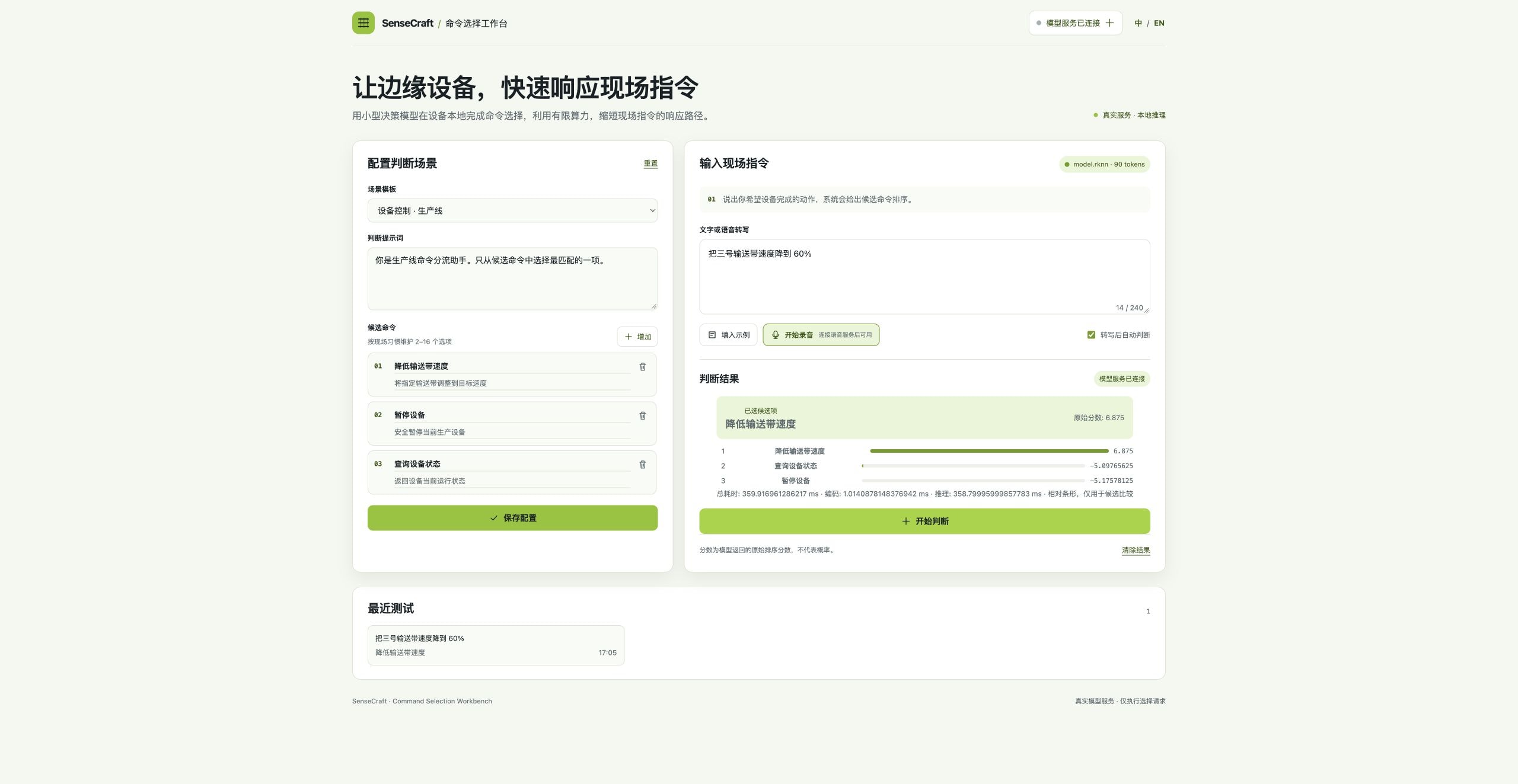
Conveyor line dispatch
Ranks allowed commands for natural-language speed and stop requests within a predefined safe domain.
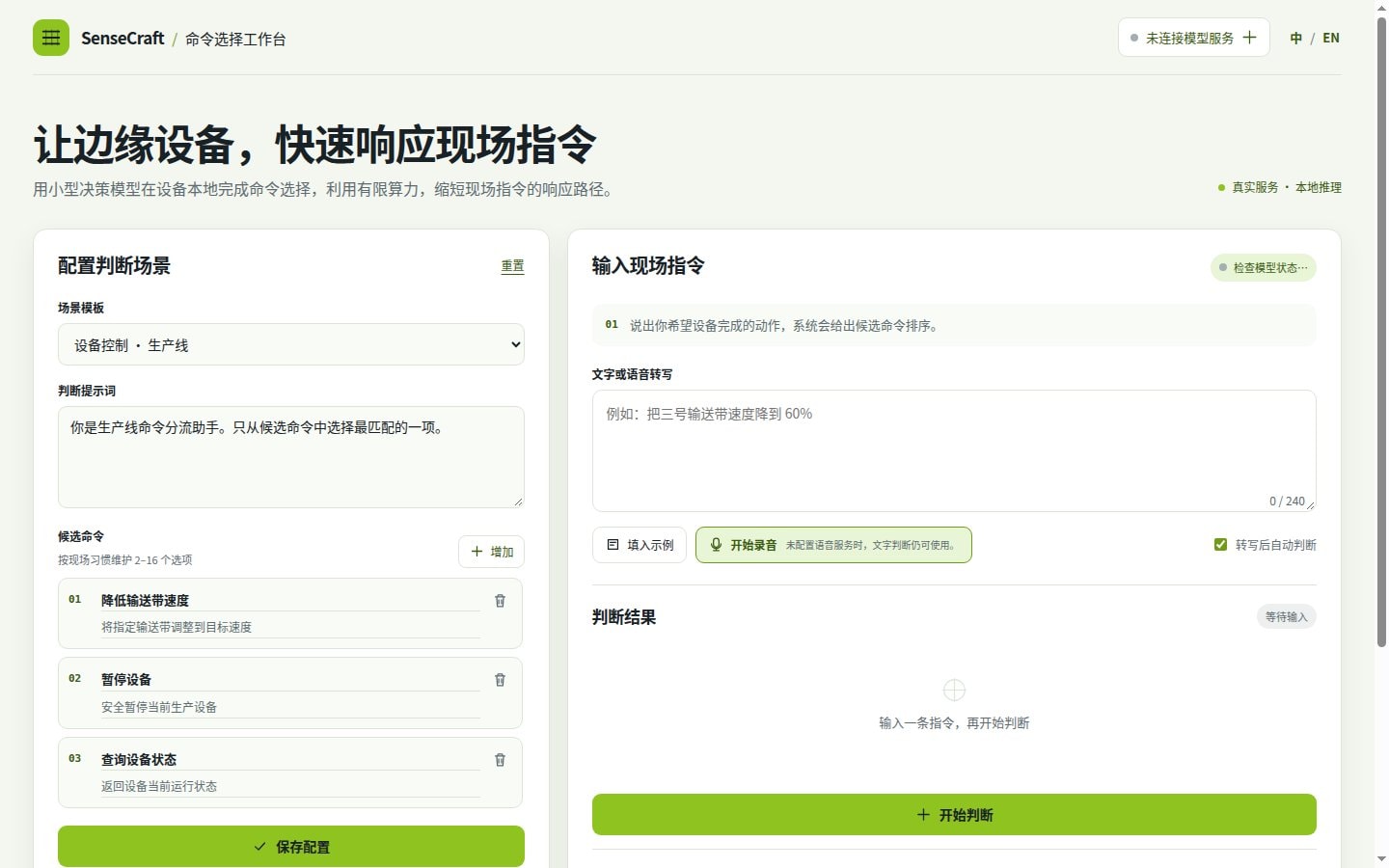
Production inspection queries
Operators input status check phrases, and the local model immediately identifies the corresponding action.

Industrial gateway action validation
Supervisory systems send candidate actions; the edge host evaluates and ranks them to prevent out-of-bounds execution.
Requires RK3576 or RK3588 host with Docker and librknnrt.so runtime installed.
How it works
The edge IPC receives control requests, the RK3588/RK3576 NPU scores candidate options via on-device models, and outputs structured choices via HTTP POST.
Edge Computing Platform
Runs on RK3576 / RK3588 SoCs (such as reComputer RK3588 series and LubanCat3), leveraging dedicated NPU hardware without discrete graphics cards.
Command Ranking Engine
Powered by RKLLM 1.3.1, supporting 2048-token context on RK3576 and 8192-token context on RK3588. Ranks strictly within allowable choices.
Industrial Interfaces
Exposes standard HTTP services on port 18768, providing /api/health and /api/decide endpoints for direct integration with SCADA, PLC gateways, and dashboards.
How well it works
Capabilities available to operators in the web UI and to systems via REST API.
How to deploy
Check the setup and its product list, then follow the deployment guide.
Hardware Sizing & Deployment Setup
Select site conditions to generate recommended bundles and guides, or let an AI assistant estimate hardware and deploy for you.
Deployment Options
RK3576 Kev RKLLM (2048-token deployment)
Deploy the tested RK3576 Kev RKLLM configuration with a 2048-token request guard; the engine export capacity remains 8192.
2 steps
Target device
RK3576 with RKLLM 1.3.1
Integration Interfaces
http
Health status for the local command workbench.
/api/health · Port: 18768 · Method: GET
http
Rank candidate machine commands for a user request.
/api/decide · Port: 18768 · Method: POST
{"prompt":"Choose the best machine command.","input_text":"Read current conveyor status.","options":[{"id":"status","label":"Read status"},{"id":"stop","label":"Stop"}]}Usage Requirements
network
Network access is needed for the first download unless the target already has the pinned artifacts.
storage
Keep at least 3GB free for a fresh Kev artifact/bootstrap operation; measured fresh peak is about 1.94GB with a 1GB reserve. The existing RKNN path documents its 4GB requirement separately.
Contact Us
We Are Glad to Be Your Hardware Partner !