Conversational Desktop Robot
A desktop robot that chats back, with a head and antennas that show how it feels.
Turn a desktop robot into a voice companion — listens, thinks, speaks, and expresses emotions in under 1 second. Works with Reachy Mini. Three deployment options: Jetson all-in-one, reComputer AI Industrial R21 with Hailo-8 NPU, or CM4 wireless.
Reusable Site Templates
Places that want a desktop robot that talks and shows emotion, with the conversation kept on site.
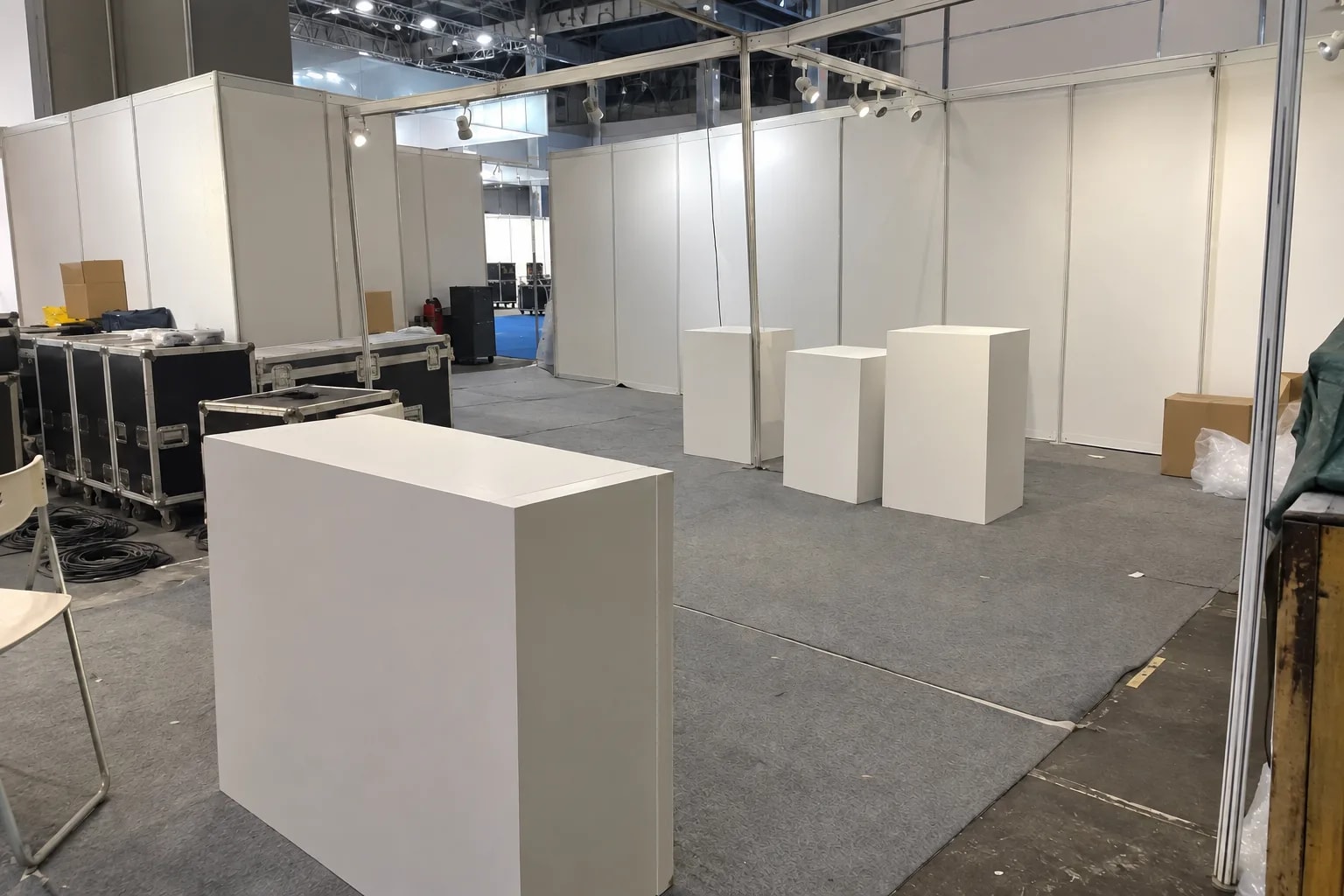
Trade shows and showrooms
Booths, corporate showrooms, science-museum stands. It talks to itself when idle and responds when a visitor speaks.

Front desks and reception
Office reception, store welcome desks, sales offices. Guests are greeted with speech plus head and antenna motion.
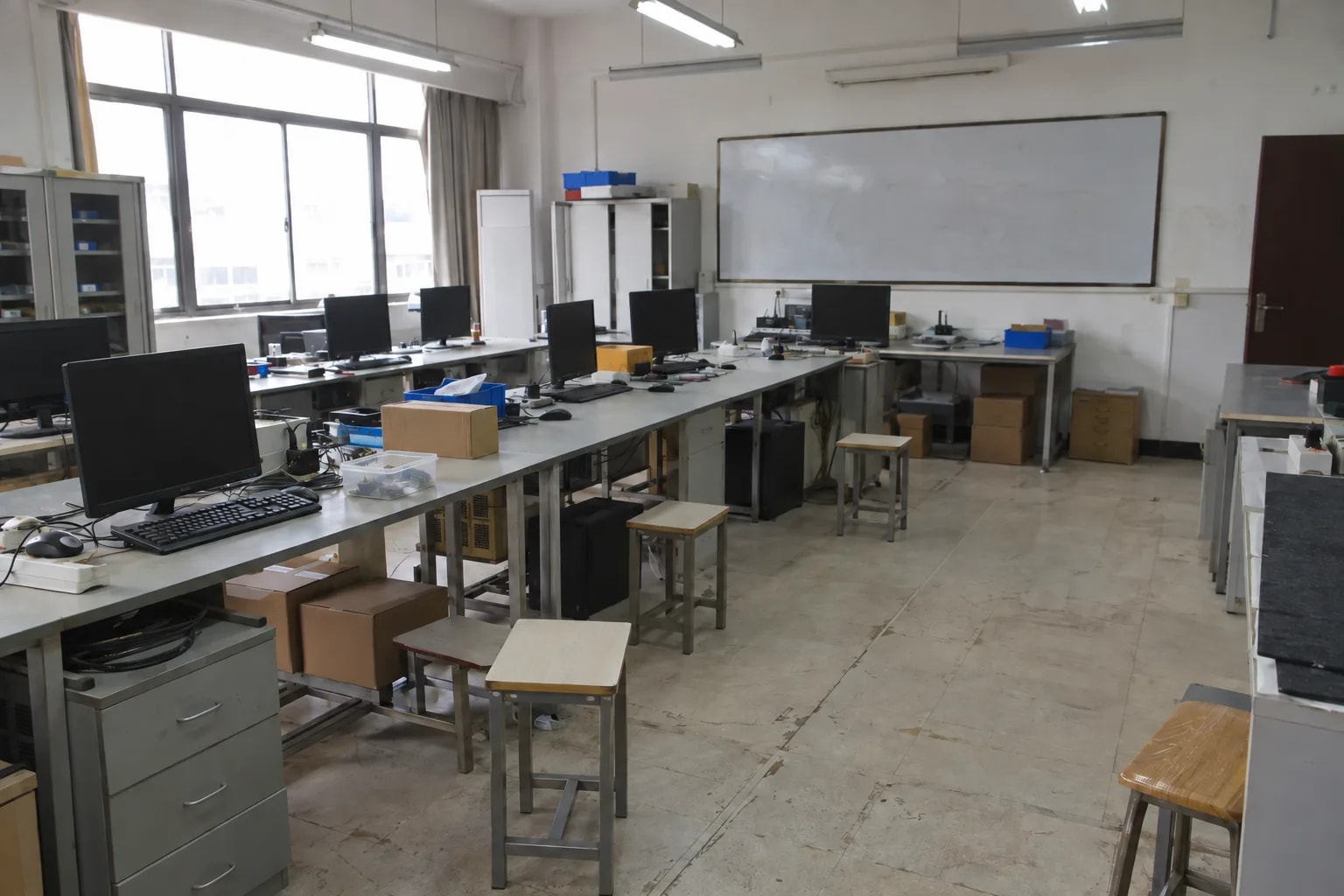
Teaching and human-robot interaction research
University labs, vocational training rooms. Persona, speech rate and sensitivity are adjustable, and the whole chain runs locally.
Not a fit: rooms too noisy to pick out a voice, and questions that need live web lookups or a cloud model's knowledge.
How it works
A Reachy Mini provides the body and motion, a host runs the robot services, and a reComputer J40 Series runs speech and the language model. In the all-in-one package those two hosts are the same box.
Three things: the robot, a host for the robot services, and a Jetson for speech and the language model. In the all-in-one package the last two are the same reComputer J40.
Preset 1: Jetson All-in-One
Reachy Mini desktop robot, with a head, two arms, antennas, microphone, speaker and camera. Wired version: USB to the host; microphone, video and motion commands share one cable.
The host is one reComputer J40 Series (J4012, Orin NX 16GB). Robot control, the conversation engine, vision (faces, emotions, person tracking), the dashboard, speech recognition/synthesis and the Qwen3.5-4B conversation model all run on this one box — fewest devices, everything on one host.
- Vision runs on the GPU.
- Speech: Chinese and English recognition, with an expressive default voice.
- Language model: about 6 GB of GPU memory and at least 15 GB of disk; the J40 Series (Orin NX 16GB) meets this on its own.
- First start: downloads the inference engine and weights and warms up, about 10 minutes; later restarts are fast.
Deployment downloads about 5 GB of services and about 1.5 GB of model; after that it runs offline.
Put it on a desk, with the speaker in front of it, in a room that is not too noisy. The data interface is listed under What You Get below.
Preset 2: reComputer AI Industrial R21 + Hailo-8
Reachy Mini desktop robot, with a head, two arms, antennas, microphone, speaker and camera. Wired version: USB to the host; microphone, video and motion commands share one cable. A USB camera is added on the host for vision.
The host is one reComputer R2000 Series (R2135-12, Hailo-8), running robot control, the conversation engine and vision (Hailo-8 accelerator, faces, emotions, person tracking) and the dashboard — for low-power vision, with a Jetson already on site.
Speech and the language model run on a remote Jetson (a reComputer J40 Series, Orin NX 16GB, is recommended):
- Speech: Chinese and English recognition, with an expressive default voice.
- Language model: about 6 GB of GPU memory and at least 15 GB of disk.
- First start: downloads the inference engine and weights and warms up, about 10 minutes; later restarts are fast.
Deployment downloads about 5 GB of services and about 1.5 GB of model; after that it runs offline.
Put it on a desk, with the speaker in front of it, in a room that is not too noisy. The data interface is listed under What You Get below.
Preset 3: Reachy Mini Wireless (CM4)
Reachy Mini Wireless, with a head, two arms, antennas, microphone, speaker and camera. An onboard CM4 runs the robot services on the robot itself and reaches a remote Jetson over Wi-Fi — no cable to the robot.
The onboard CM4 runs robot control, the conversation engine and vision (CPU, faces, emotions, person tracking) and the dashboard — for no cable to the robot, with the speech host elsewhere.
Speech and the language model run on a remote Jetson (a reComputer J40 Series, Orin NX 16GB, is recommended), with the same requirements as Preset 2: Chinese and English speech recognition, about 6 GB of GPU memory and at least 15 GB of disk for the language model, about a 10-minute first start, and a deployment download of about 5 GB of services plus 1.5 GB of model, offline after that.
Put it on a desk, with the speaker in front of it, in a room that is not too noisy. The data interface is listed under What You Get below.
How well it works
What you see and adjust on the browser dashboard once it is running.
Measured results
The capabilities and conditions below come from the deployment guide; they are not an end-to-end latency test.
| Capability | Conditions and limits |
|---|---|
| Hears speech, replies in one sentence with a matching emotion and motion | Default conversation mode, no setup |
| 14 emotions | Expressed through head motion and antenna poses |
| Talks to itself when nobody speaks | Monologue mode, for trade-show demos |
| Starts talking after deployment | About 30 s once the services are up |
The vision service builds its inference engine on first start, about 5 minutes. If replies take longer than 10 s, check the language model service first.
What you get out of it
Once deployed, these ports are how you manage and integrate it.
| Port | Service | Use |
|---|---|---|
| 8042 | Conversation engine and dashboard | Conversation log, robot status, runtime settings |
| 8630 | Vision | Face detection, emotion recognition, person tracking |
| 8621 | Speech (Jetson) | Speech recognition and synthesis, /health check |
| 11435 | Language model (Jetson) | OpenAI-compatible /v1/models endpoint |
| 38001 | Robot control | Motors, camera and sensors |
To change the persona, edit instructions.txt in the active speech profile; for mic gain, sensitivity and speech rate, edit reachy-voice.yaml, then restart the conversation service. Optional kiosk mode opens the dashboard full screen on boot.
How to deploy
Tell us about your site — we work out the hardware, then you connect the data and follow the steps.
Configure yours
Tell us about the site — we work out the hardware.
Robot Connection
Can the robot have a USB cable to a computer beside it?
Configure yours
Tell us about the site — we work out the hardware.
Jetson All-in-One
Reachy Mini connects over USB to one reComputer J40, which runs speech, vision on the GPU, the Qwen3.5-4B language model and robot control. Needs JetPack 6.x and at least 15 GB of free disk.
硬件/物料名称 数量 型号/SKU 说明 reComputer Super J4012 1 114110314 - Reachy Mini 1 100025004 - reComputer AI Industrial R21 + Hailo-8
Reachy Mini connects over USB to a reComputer AI Industrial R21 beside it, which runs robot control, the conversation engine and vision on the Hailo-8. Speech and the language model run on a Jetson elsewhere on the network. Add a USB camera on the R21 for vision. If a reComputer J40 (Orin NX 16GB) already runs on site, it can serve as that Jetson.
硬件/物料名称 数量 型号/SKU 说明 reComputer AI Industrial R2135-12 1 114993595 - Reachy Mini 1 100025004 - reComputer Super J4012 1 114110314 - Reachy Mini Wireless (CM4)
Robot control, the conversation engine and vision on the CPU run on the CM4 inside Reachy Mini Wireless, so the robot has no cable to a host. Speech and the language model run on a Jetson on the network. If a reComputer J40 (Orin NX 16GB) already runs on site, it can serve as that Jetson.
硬件/物料名称 数量 型号/SKU 说明 Reachy Mini Wireless 1 100090917 - reComputer Super J4012 1 114110314 -
FAQ
Yes, once deployed. Speech recognition, speech synthesis, the language model and robot control all run on your own devices. Only deployment needs internet, to download about 5 GB of services and about 1.5 GB of model.
No. Voice, camera frames and the conversation are processed between the robot and the on-site host, without a cloud service. Calls between hosts in the remote-Jetson packages stay on the local network.
By default it answers in one sentence with a matching emotion; replies come from a local 4B-class model whose knowledge is narrower than a cloud model. This design makes no guarantee about answer accuracy, so it is not suited to customer commitments, medical or safety questions.
The deployment guide pairs one robot with one set of speech and language model services. The Hailo and CM4 packages point at a Jetson by address; sharing one Jetson across several robots needs your own load test.
A desk, a room that is not too noisy, and the speaker in front of the robot. The wired robot connects to its host over USB; the Wireless robot must be on the same network as the Jetson.
Yes. The language model service exposes an OpenAI-compatible API on port 11435, speech runs on 8621 and vision on 8630. The dashboard on port 8042 shows the conversation log and robot status.
Yes. Edit instructions.txt for the persona and reachy-voice.yaml for mic gain, sensitivity and speech rate, then restart the conversation service. The guide recommends changing the persona rather than swapping the model.
The official Reachy Mini SDK is licensed Apache-2.0. The speech recognition, speech synthesis and language models each keep their own terms; confirm each before shipping, or substitute suitably licensed models.
Didn't find your answer?
Contact Us
We Are Glad to Be Your Hardware Partner !