Z-Image-Turbo on Jetson - 1
Z-Image-Turbo on Jetson - 2

Z-Image-Turbo on Jetson

Run Z-Image-Turbo (6B) locally on Jetson Orin NX — text-to-image and img2img via HTTP API, fully offline.

Intermediate15mingenerative_ai
Jetsonimage-generationtensorrtdockeredge-ai

What This Capability Does

Z-Image-Turbo turns text descriptions into photorealistic images on your Jetson Orin NX — no cloud, no subscription, no internet required. Send a text prompt, get back a PNG. Upload a reference image with a prompt, and it edits the image intelligently.

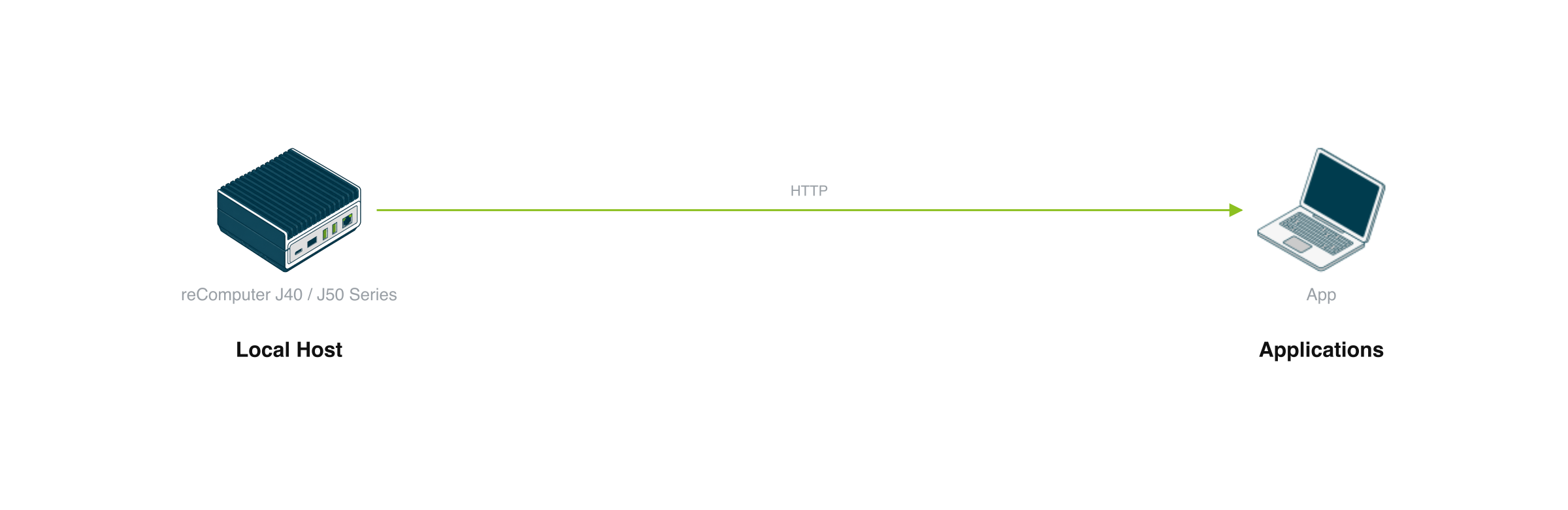
All computation stays on your device. The model is packaged as a simple HTTP API you can call from any application.

Integration Scenarios

ScenarioHow to integrate
Creative tools and applicationsCall the API from your web app, desktop tool, or automation pipeline to add on-device image generation
Privacy-sensitive workflowsRun generation in healthcare, legal, or enterprise environments where images cannot leave the device
Interactive installationsPower offline image generation in kiosks, photo booths, or art installations without cloud dependency
Model research and benchmarkingUse as a local 6B-parameter diffusion transformer for latency measurement and pipeline experimentation

Technical Specs

SpecValue
ModelZ-Image-Turbo (6B parameters)
HardwareJetson Orin NX 16GB, JetPack 6
RuntimeTensorRT BF16, no PyTorch
384px text-to-image~73 seconds (4 steps)
512px text-to-image~100 seconds (4 steps)
Max cached layers18 (512px) / 23 (384px)
API concurrency1 request at a time (queued)
Docker image size~428 MB

Usage Notes

  • Hardware required: Jetson Orin NX 16GB. Orin Nano 8GB is not validated.
  • Pre-requisites: Model weights (~20GB) and TRT engines (~12GB per resolution) must be downloaded from Hugging Face before deployment.
  • Generation is not real-time: Each image takes 1-2 minutes depending on resolution and step count.
  • API is single-worker: Only one generation runs at a time to stay within GPU memory limits.

Integration Interfaces

http

Text-to-image and img2img generation via multipart form upload

/generate · Port: 8000 · Method: POST
{"success":true,"mode":"text2img","resolution":512,"elapsed_seconds":100.2,"image_url":"/outputs/cat_512.png"}
http

Text-to-image and img2img generation via JSON request

/generate_json · Port: 8000 · Method: POST
{"success":true,"mode":"img2img","resolution":512,"strength":0.65,"elapsed_seconds":129.7,"image_url":"/outputs/img2img_result.png"}
http

Static file serving for generated images

/outputs/{filename} · Port: 8000 · Method: GET

Usage Requirements

network

Network access to Jetson device for API calls (the model runs fully offline once deployed)

Deployment Options

Contact Us
We Are Glad to Be Your Hardware Partner !
Next