Intrusion and Line-Crossing Alerts
Draw a line or a zone, and anyone crossing it raises an alert.
Restricted-zone, line-crossing and loitering alerts judged on the edge box itself. Draw rules in a browser, watch the wall, clear alerts. Video stays on site.
Reusable Site Templates
Places where the boundary can be drawn, the camera can be fixed, and someone crossing has to be known at once.
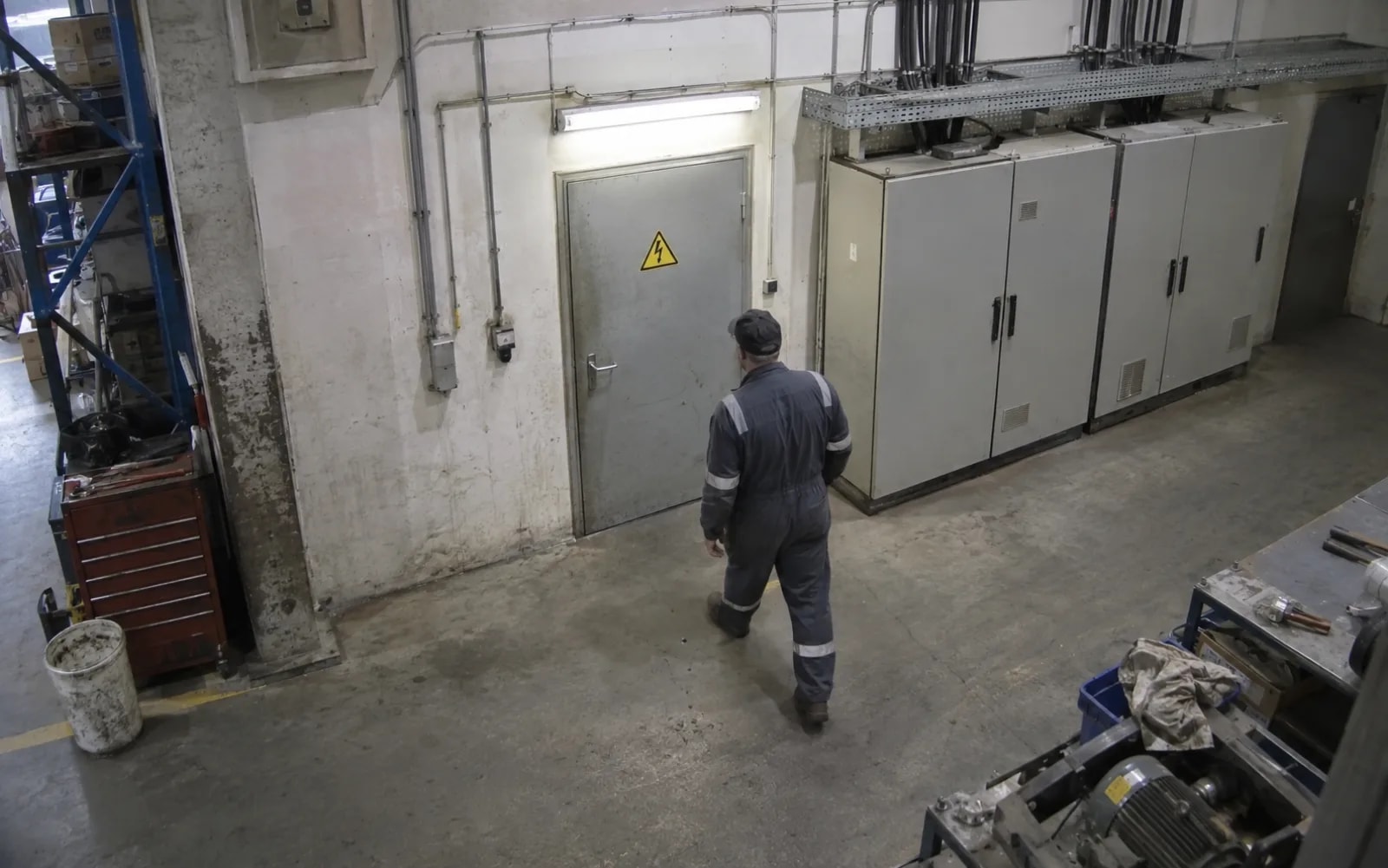
Perimeters and restricted areas
Switchrooms, chemical stores, server-room doors. Draw a zone; entry raises an alert.

Aisles and doorways
Lay a line across the aisle and count one direction only, so the reverse passage stays silent.
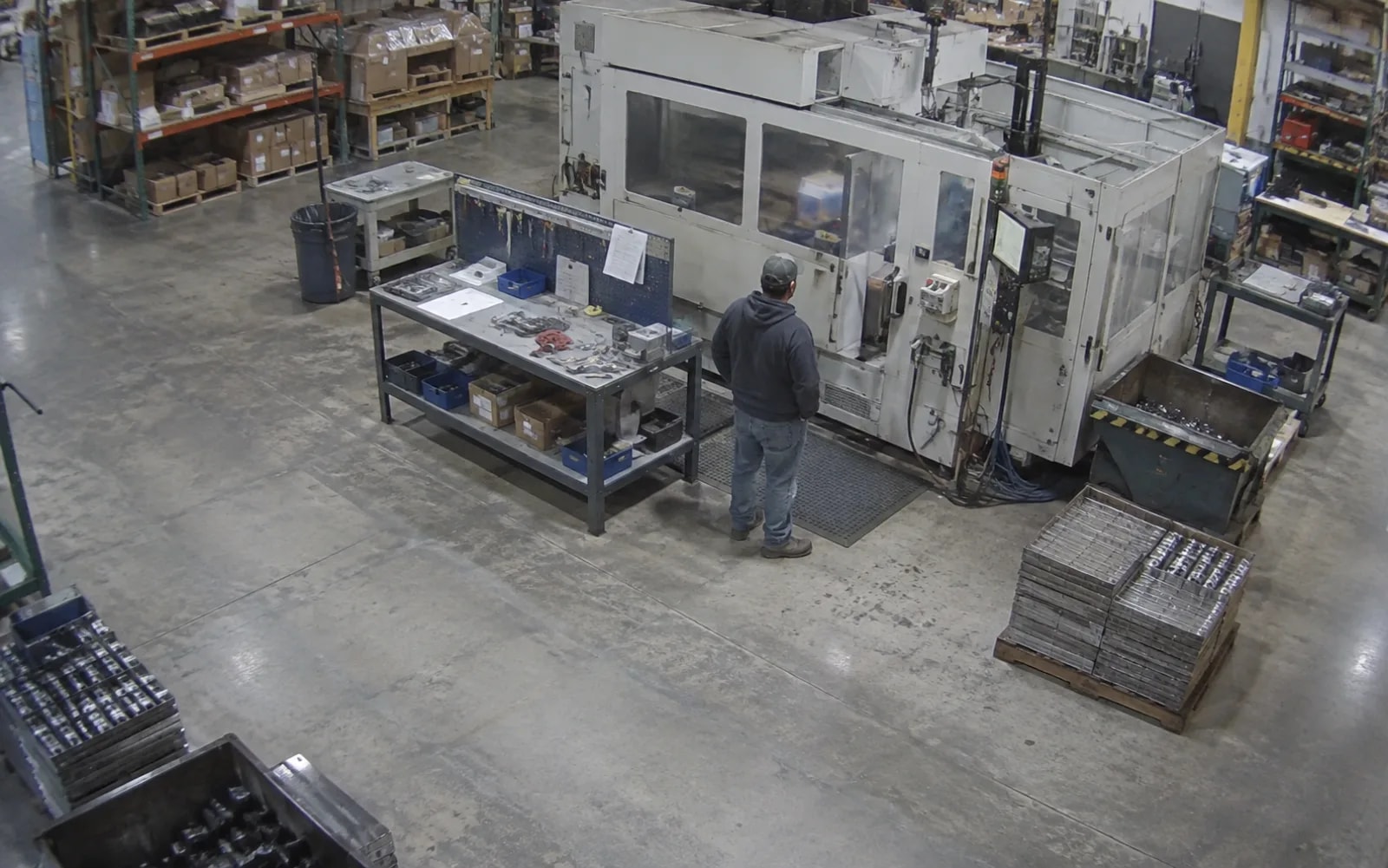
Spots where staying is the problem
Beside equipment, in front of racking. Past the dwell time you set, it escalates to a loitering alert.
Not a fit: vehicles, parcels and other non-person targets. Once mounted the camera must not move, because the rules are drawn on that view.
How it works
Cameras provide the view, the detector host makes the call, and alerts go to the system you already use.
What you need to buy
Two things at minimum: one detector host (Jetson, RK3588 or a Hailo-8 board — pick one) plus the IP cameras already on site. Detection and rule verdicts both run on that host; one camera means one detector container, and several detectors can feed the same hub — they do not have to be the same hardware.
Three facts that decide the cost
- The cameras carry over: standard RTSP, no need to replace what is mounted
- No server required: the broker and hub run on the same machine as the detector, and no cloud account is involved
- You already own the receiving end: the browser workbench, an NVR, a PLC or your existing alarm system, subscribing to one MQTT message
The first two sit on site — video never leaves. What crosses the network is one alert.
Cameras
One fixed-mount IP camera per stream, H.264 over standard RTSP. Cameras you already own stay where they are.
- Mount it once: the boundary is drawn on this view, so a moved camera means redrawing the rules.
- Keep the area in frame: the door, aisle or area sits fully in view, and people are not hidden behind racking or pillars for long.
- One detector per stream: a host takes several streams; adding one means another detector or another board.
Detection Host
This box sets how many streams you cover and most of the cost. Detection, tracking, rule verdicts, the alert store and the workbench all run here; the three routes differ only in the accelerator.
| Detection host | Accelerator | Video decode | Fits when |
|---|---|---|---|
| reComputer J3011 / J4012 | Jetson GPU | GPU hardware decode | You want the lowest per-frame latency, or headroom for another model later |
| reComputer RK3588 Series | Rockchip NPU | On-board hardware decode | Several streams on one board, and cost matters |
| reComputer R2000 Series (R2035-12, Hailo-8) | Hailo-8 accelerator | CPU software decode | You already run Hailo, or one stream has to run as fast as possible |
Every route runs the whole stack on one machine, with no separate server. For one shared alert list across several sites, add an always-on machine without an accelerator for the shared hub.
Alert Output
Alerts leave through two exits: operators open the workbench on the detection host in a browser, and an NVR, PLC or existing alerting system subscribes directly over MQTT. In the single-box presets only the host itself can subscribe; another machine needs the port opened and a password set. The data interface is listed under “What you get out of it” below.
How well it works
What the people on duty see and operate in a browser once it is running.
Measured results
An engineering measurement, not a security certification. Scope: the same 1280x720 H.264 truth source at 5 fps, a 130 s observation window, the same assertions.
| What the site gets | Typical | Device |
|---|---|---|
| Line crossing to alert | 0.09-0.27 s | reComputer J40 Series (J4012, Orin NX 16GB) |
| Entering a restricted zone to alert | 0.09 s | Same |
| Loitering call against the truth instant | 0.09-0.29 s | Same |
| Direction | 8/8 correct, no wrong-direction alerts | Same |
| Streams one host carries | 16 (720p at full 5 fps) | reComputer RK3588 Series |
Every alert stored a decodable frame from the scene, 8/8. The reComputer R2000 Series with the Hailo-8 option lands closer to the truth instant on the same clip (0.001-0.20 s); all three hosts call the same events correctly, so choose hardware by stream count, not by timing accuracy. For per-device latency and multi-stream throughput benchmarks, see Engineering Wiki · Edge Security Solution.
What you get out of it
Once deployed, these are the interfaces.
| Exit | What comes out | Notes |
|---|---|---|
| HTTP 8090 | Alert workbench, video wall, rule editor, device page | Everything but the health check and the login route requires a session |
| HTTP 8090 | Alert list and CSV export | Filter by device, stream, rule name and time range; the export covers the same rows as the list |
| MQTT 1883 | The hub's alert events | An NVR, PLC or existing alerting system subscribes directly |
| MQTT 1883 | Per-frame detections from each detector | Boxes normalized against the original frame, each with a track id |
| MQTT 1883 | Per-detector availability | Published as a last will when a device drops, and retained |
Loitering adds, it does not replace: entering the zone raises an intrusion alert, staying past the dwell time adds a loitering alert, and the first alert's disposition record is kept. Every alert carries the frame captured at that moment and is kept locally across restarts.
Porting It to Your Own System
The reusable unit is not "intrusion" — it is the chain person detection → per-person tracking → geometric rule verdict → alert store and distribution. Only the verdict is bound to a particular rule; everything else carries over unchanged.
| Layer | What a new purpose costs you |
|---|---|
| Placement rules and framing requirements | reuse as-is |
| Person detection and the three accelerators | reuse as-is |
| Per-person tracker | reuse as-is |
| Alert store, snapshots, disposition flow, CSV export | reuse as-is |
| The browser editor for drawing boundaries | reuse as-is |
| The geometric rules themselves | rewrite for the new rule |
Fits: a headcount ceiling for an area, directional passage counts, dwell timeouts beside equipment, entry outside working hours.
Where this shape does not fit
- Vehicles, parcels, tools and other non-person targets — it detects people; a different target means a different detection model and a fresh validation.
- Judging whether an action follows a procedure — a hand movement, say. Geometric rules do not resolve that.
- Anything where "no alert" has to prove "nothing happened" — this design carries no security certification and makes no guarantee about missed detections.
How to deploy
Tell us about your site — we work out the hardware, then you connect the data and follow the steps.
Configure yours
Tell us about your site — we work out the deployment and the hardware.
Camera Streams
How many cameras on one host?
Configure yours
Tell us about your site — we work out the deployment and the hardware.
RK3588 Single Box — reComputer RK3588 + your cameras
The whole stack on one board — detection, rule verdicts, alert store and workbench. The same board was measured carrying 16 streams of 720p at full source rate. Video decode runs on the board's own decoder.
硬件/物料名称 数量 型号/SKU 说明 reComputer RK3588-40 1 100086238 - IP camera 1 - No purchase needed if you reuse what is on site Hailo Single Box — reComputer R2000 Series (Hailo-8) + your camera
The fastest measured path from the judged frame to the stored alert — p50 23.8 ms. Inference runs on the accelerator; this board has no H.264 decoder, so decode takes CPU and stream count does not scale.
硬件/物料名称 数量 型号/SKU 说明 reComputer Industrial R2035-12 (Hailo-8) 1 100020831 - IP camera 1 - No purchase needed if you reuse what is on site Jetson Single Box — reComputer J40 Series (J4012) + your cameras
Lowest per-frame figure of the three — 4.16 ms, with video decode on the GPU and 5.5% of one CPU core, so there is headroom for another model later. The first deploy builds the inference engine on the device, measured at 361 s.
硬件/物料名称 数量 型号/SKU 说明 reComputer Super J4012 1 114110314 - IP camera 1 - No purchase needed if you reuse what is on site
Or compare them yourself: preset specificationsDeployment Guide · 20min →
Hardware Equipment List by Preset
| Setup | Role | Device | Qty |
|---|---|---|---|
| Jetson Single Box | Jetson | reComputer J30 Series (Jetson Orin Nano) / reComputer J40 Series (Jetson Orin NX)(either one) | 1 |
| IP Camera | IP Camera | 1 | |
| RK3588 Single Box | Board | reComputer RK3588 Series | 1 |
| IP Camera | IP Camera | 1 | |
| Hailo Single Box | Board | reComputer Industrial R20 Series | 1 |
| IP Camera | IP Camera | 1 | |
| Shared Hub (Optional Expansion) | Aggregation Host | Generic Docker Host | 1 |
Technical Specifications & Implementation Comparison
| Preset | Detection host | Video decode | Measured per-frame inference | Notes |
|---|---|---|---|---|
| Jetson Single Box | reComputer J3011 / J4012 | GPU hardware decode | 4.16 ms | Whole stack on one machine; the first deploy builds the inference engine on the device, measured at 361 s |
| RK3588 Single Box | reComputer RK3588 Series | On-board hardware decode | 36.2–44.5 ms | Whole stack on one board; the same board was measured carrying 16 streams of 720p |
| Hailo Single Box | reComputer R2000 Series (R2035-12, Hailo-8) | CPU software decode | 7.7 ms | Whole stack on one machine; this board has no H.264 decoder, so decode costs CPU |
| Shared Hub (Optional Expansion) | Any always-on Docker host | — | — | Only when several detector boxes already run and you want one shared alert list |
Per-frame inference is measured on the same 1280x720 H.264 source. The RK3588 figure varies between runs, so it is quoted as a range.
Difficulty is rated intermediate; a deployment takes about 20 minutes, longer on Jetson because of the engine build.
FAQ
Yes. Person detection, the rule verdicts, the alert store and the broker all run on the host at the site, and the shared hub also sits on a machine you own. The internet is involved only if you forward the alert outward yourself.
No. Video stays on site. What travels is the alert event, each carrying the frame captured at that moment, kept locally. The rule editor and the wall also pull their picture from the on-site device; the browser talks to the local host.
The reComputer RK3588 Series was measured carrying 16 streams of 720p on one board at full source rate, and still delivering at 24. Plan the other two routes at one stream and measure multi-stream on your own board. Adding a stream means starting another detector with its own device id and preview port.
Fixed mount, H.264 output, covering the door, aisle or area you are protecting, with a person walking through not hidden behind racking, cabinets or a pillar for long. The rules are drawn on that view, so once it is set the camera must not move; if it does, redraw them.
Yes. The hub republishes its alert events on MQTT port 1883, so a downstream system subscribes instead of polling an API. The workbench alert list also exports to CSV with the same filters applied.
A tracked person's centre point entering the polygon you drew raises a restricted-zone alert. Staying inside past the dwell time you set adds a loitering alert on top of it rather than replacing it. A track crossing the line you drew raises a line-crossing alert, and the line can count one direction only, so the reverse passage stays silent.
Install the shared hub. It runs the broker, the rule engine and the workbench on an always-on machine with no detector of its own. The detectors do not have to match: a Jetson and a Rockchip board report into the same device list, the same alert list and the same preview proxy.
The runtime code can go into a commercial product, but the person-detection models keep their own terms. Before shipping, confirm that the licence on the detection weights you use suits your product, or substitute a compatibly-licensed model. The verdict side is model-agnostic as long as the detector reports in the agreed format.
Didn't find your answer?
Contact Us
We Are Glad to Be Your Hardware Partner !