A single reCamera handles video acquisition, encoding, polygon region masking, and motion delta evaluation without external compute.
reCamera Region Motion Detection
Detect motion only inside user-drawn camera regions, completely on-device.
Detect motion inside custom polygon regions, view live debug overlays, and seamlessly trigger Home Assistant automations via MQTT.
Reusable Site Templates
Sites with background foliage, road traffic, or movement where specific doorways or workstations require reliable monitoring.
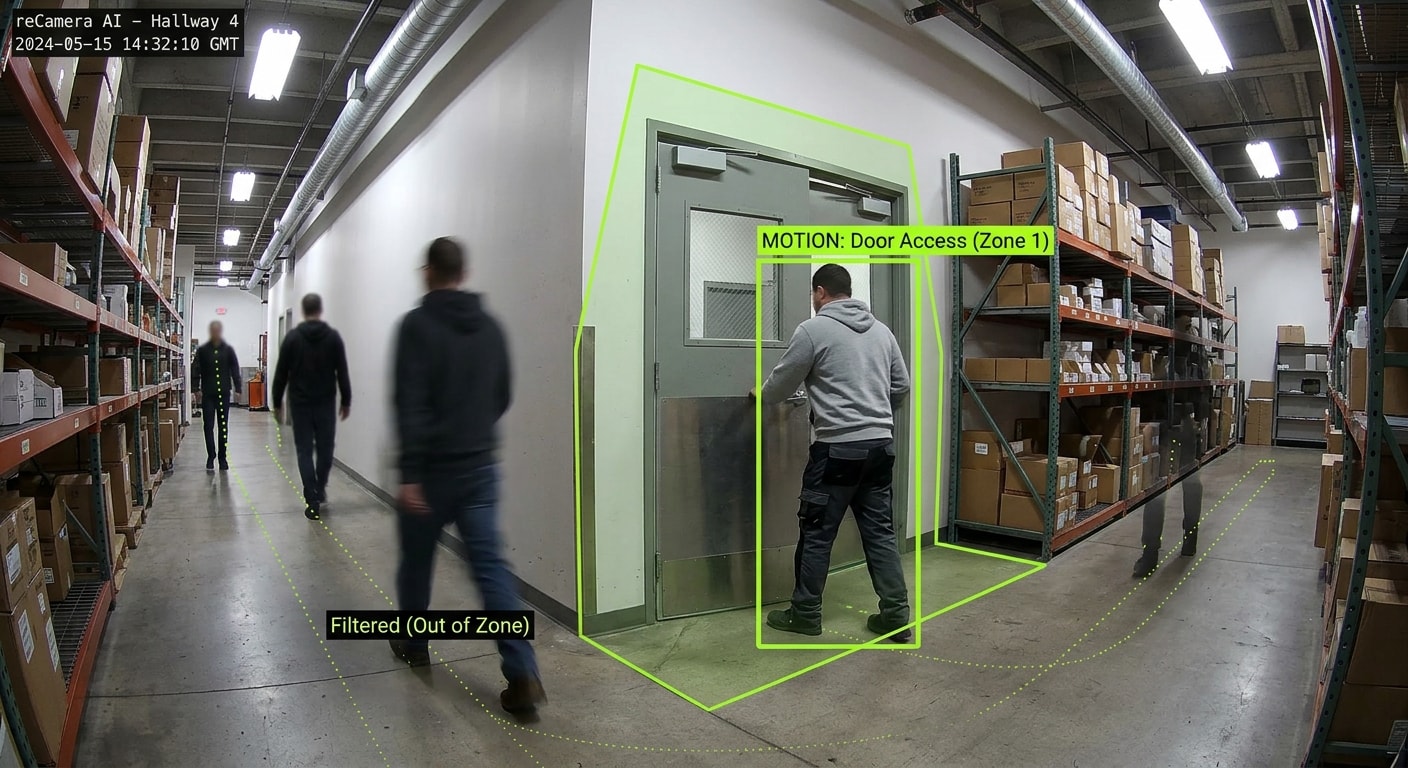
Doorways & Corridor Zones
Monitor hallways and doorways in warehouses or utility rooms; passing shadows are ignored while entry triggers alerts.
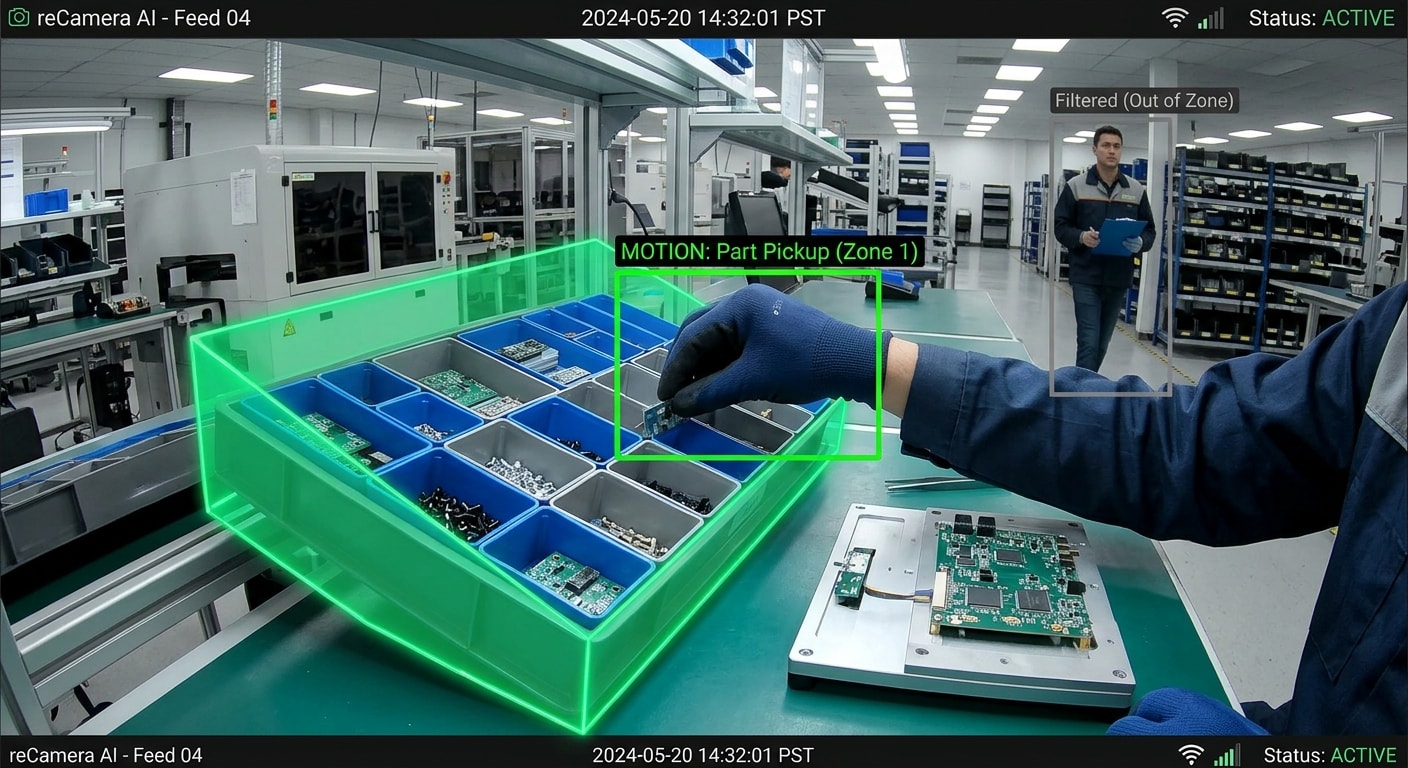
Workstations & Parts Bins
Monitor assembly stations or material trays to detect manual part retrieval while ignoring background foot traffic.
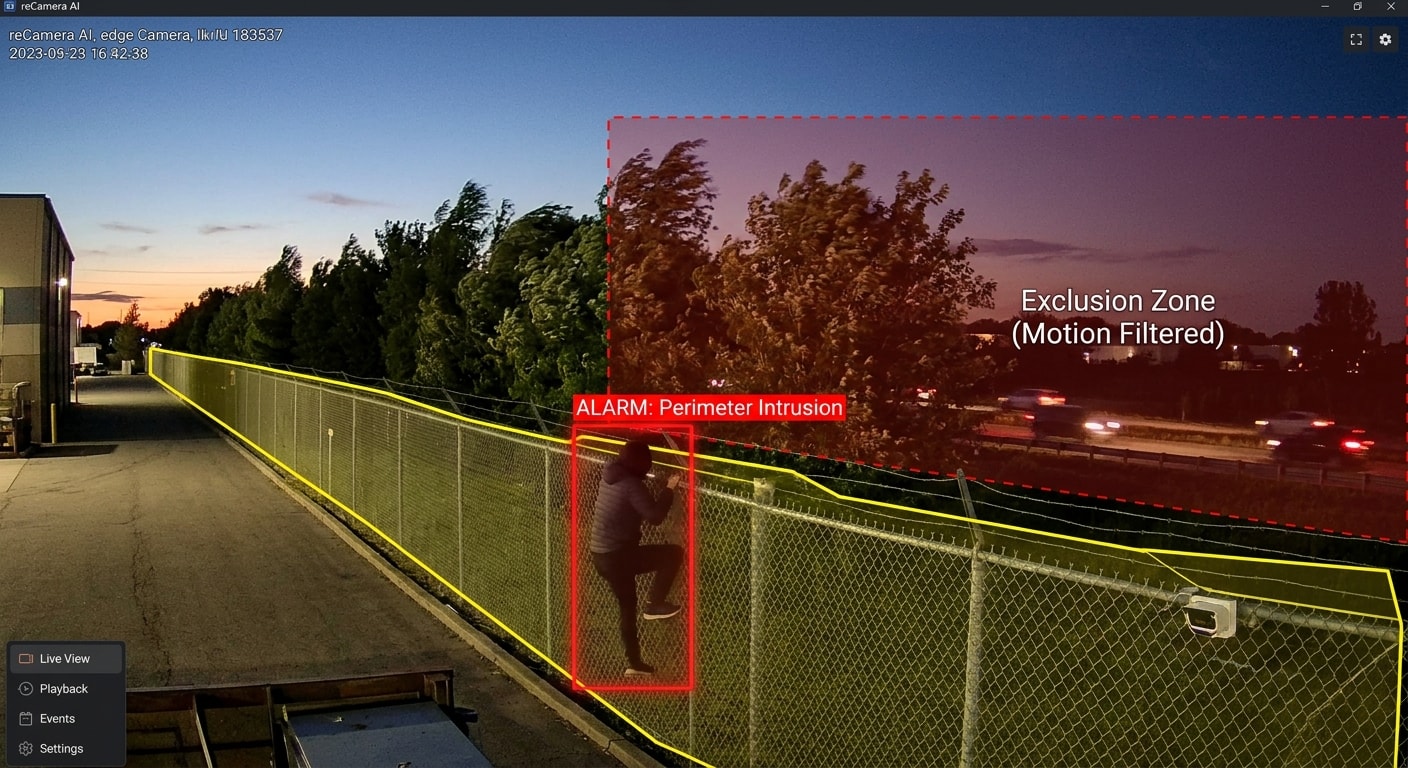
Fences & Perimeter Security
Draw polygon boundaries along perimeter fences with exclusion zones for vegetation to capture only real crossings.
How it works
The reCamera onboard processor handles motion detection and snapshot storage, streaming over RTSP and HTTP to Home Assistant or local networks.
AI Camera Device
The reCamera 2002 features a RISC-V vision processor, combining image sensor and Ethernet on a compact footprint.
- Onboard Evaluation: Calculates frame differences and polygon masks directly in local memory without NPU models.
- Streaming Output: Streams 1080p H.264 hardware-encoded video directly to NVRs or media servers over RTSP.
LAN & Open APIs
All configurations and media stay within the local network via standard interfaces.
- HTTP REST API: Port 8080 exposes health checks, runtime region coordinates, event logs, and JPEG snapshot downloads.
- Webhook Delivery: Instantly dispatches JSON payloads to configured endpoints upon confirmed motion.
System Integration
Official Home Assistant integration component and standalone web console support.
- Home Assistant: Draw polygon zones directly within Home Assistant UI, preview RTSP streams, and trigger automations.
- Standalone Mode: Operate without smart home systems, delivering webhooks directly to factory PLCs or internal dashboards.
How well it works
Visually configure motion boundaries in browser or management UI with instant activation.
Measured results
| Metric | Typical | Device | Deployment Note |
|---|---|---|---|
| Motion latency | < 100 ms (on-device delta) | reCamera 2002 | Computed entirely locally with zero network round-trip |
| Stream frame rate | 1080p @ 30 fps | reCamera 2002 | Onboard hardware H.264 encoding over RTSP |
| Alert delivery | < 200 ms (local Webhook) | reCamera 2002 + Home Assistant | Millisecond-level JSON dispatch to local receivers |
How to deploy
Check the setup and its product list, then follow the deployment guide.
Hardware Sizing & Deployment Setup
Select site conditions to generate recommended bundles and guides, or let an AI assistant estimate hardware and deploy for you.
Deployment Options
reCamera 2002
Install the native region motion service, configure detection zones in console, and integrate with Home Assistant via MQTT.
3 steps · ~10min
AI Camera
recamera_2002
Home Assistant HostOptional
Home Assistant Host
Integration Interfaces
rtsp
H.264 camera stream.
Port: 8554
websocket
H.264 debug stream with ROI polygon and motion overlay.
Port: 8001
mqtt
Motion detection results and events.
Topic: recamera/region-motion/results
Usage Requirements
camera
Built-in reCamera camera module.
Contact Us
We Are Glad to Be Your Hardware Partner !