HVAC Automation Control
Reads how the building has used energy, and gets the HVAC ahead of demand.
Bring HVAC controller points and an energy meter into one point model, predict setpoints from the building's own history, and write them back only after a readback from the field matches — with rollback and alarms when it does not.
Reusable Site Templates
Sites with central plant on a fixed schedule, a controller that speaks a standard protocol, and read/write access to the points.
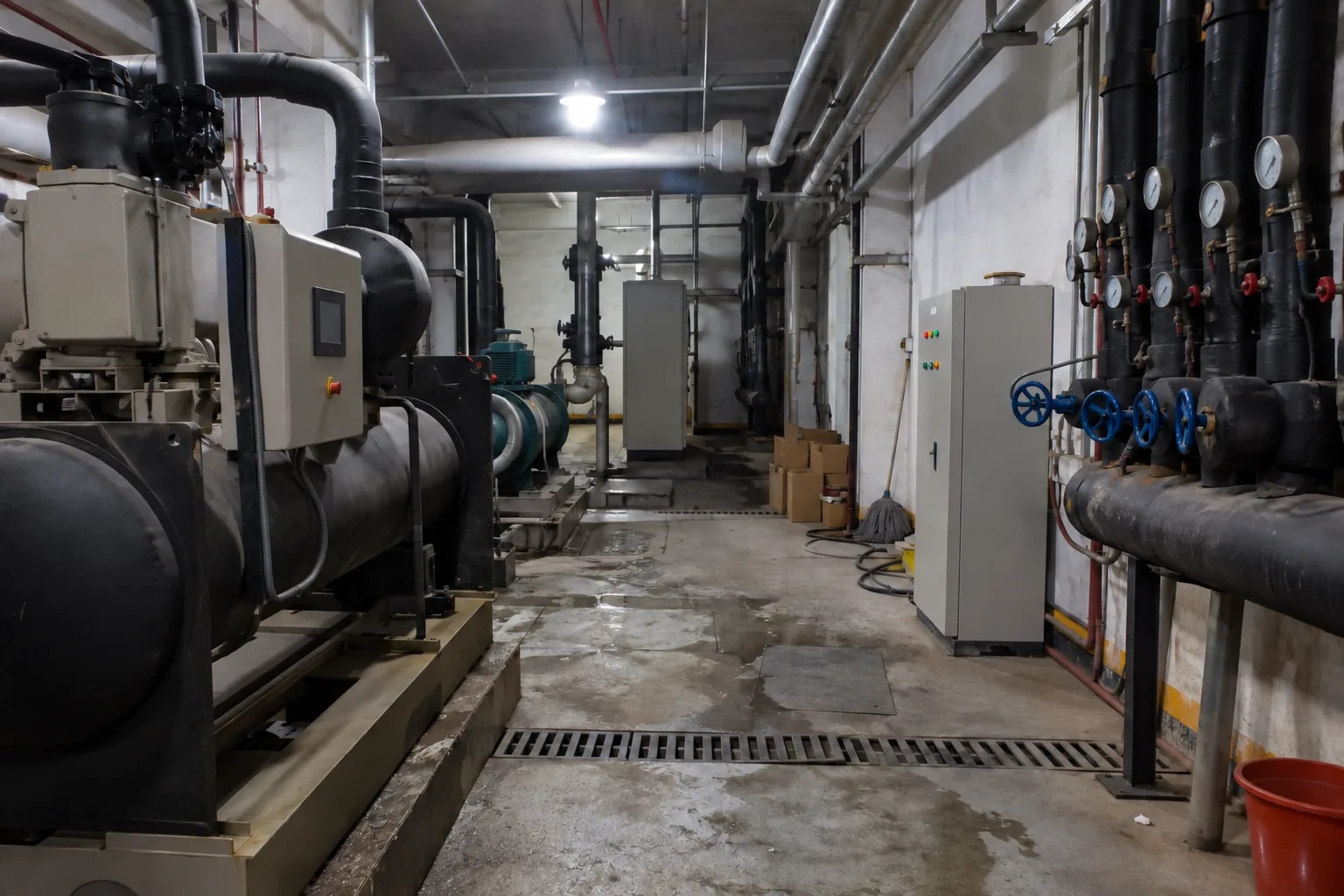
Office buildings, zone by zone
Office floors, meeting areas, server-room anterooms. Predict a setpoint per zone, watch one full cycle, then enable writes.
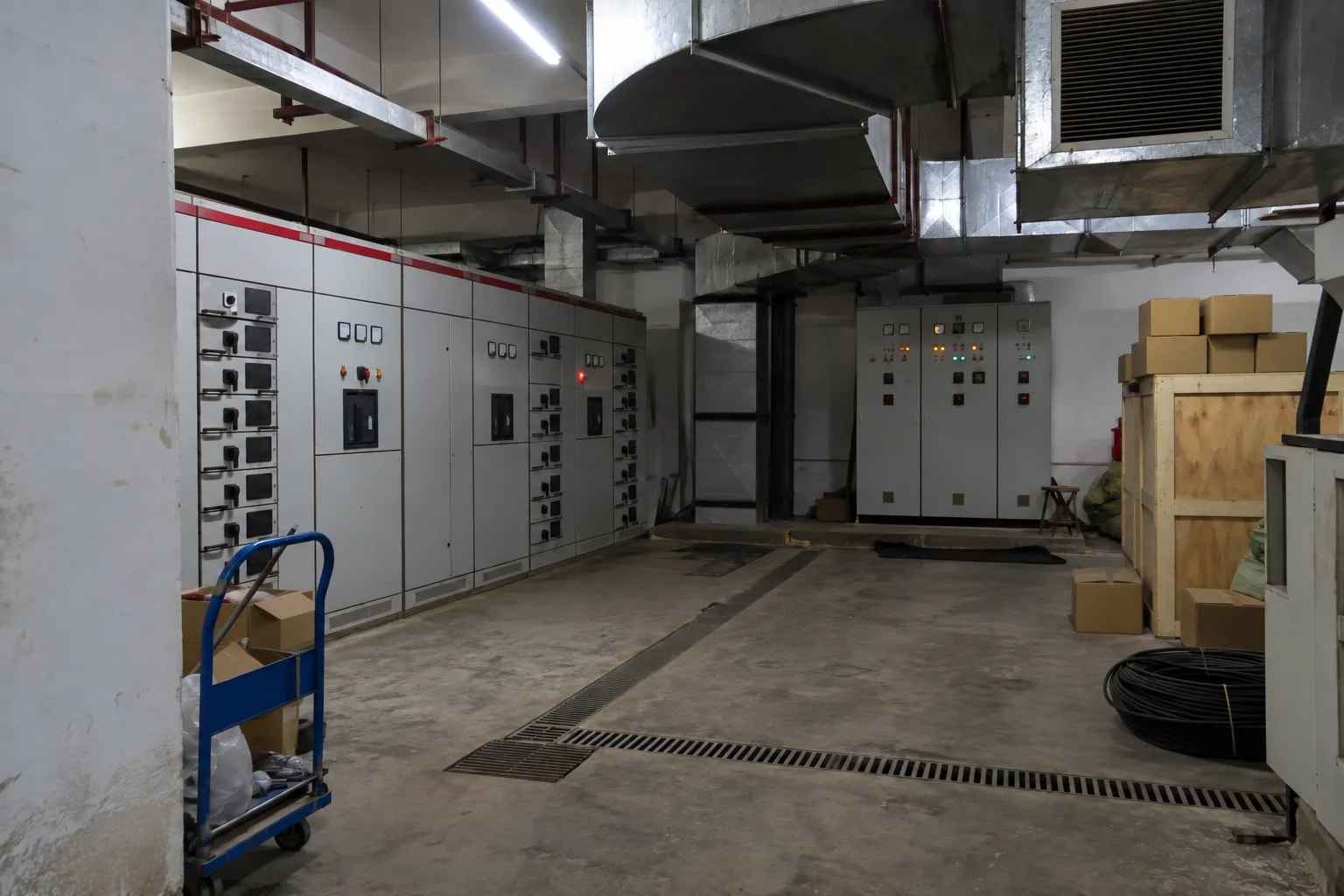
Malls and mixed-use complexes
Mall floors, cinema foyers, basement car-park ventilation. One meter per floor puts power and setpoints on one screen.
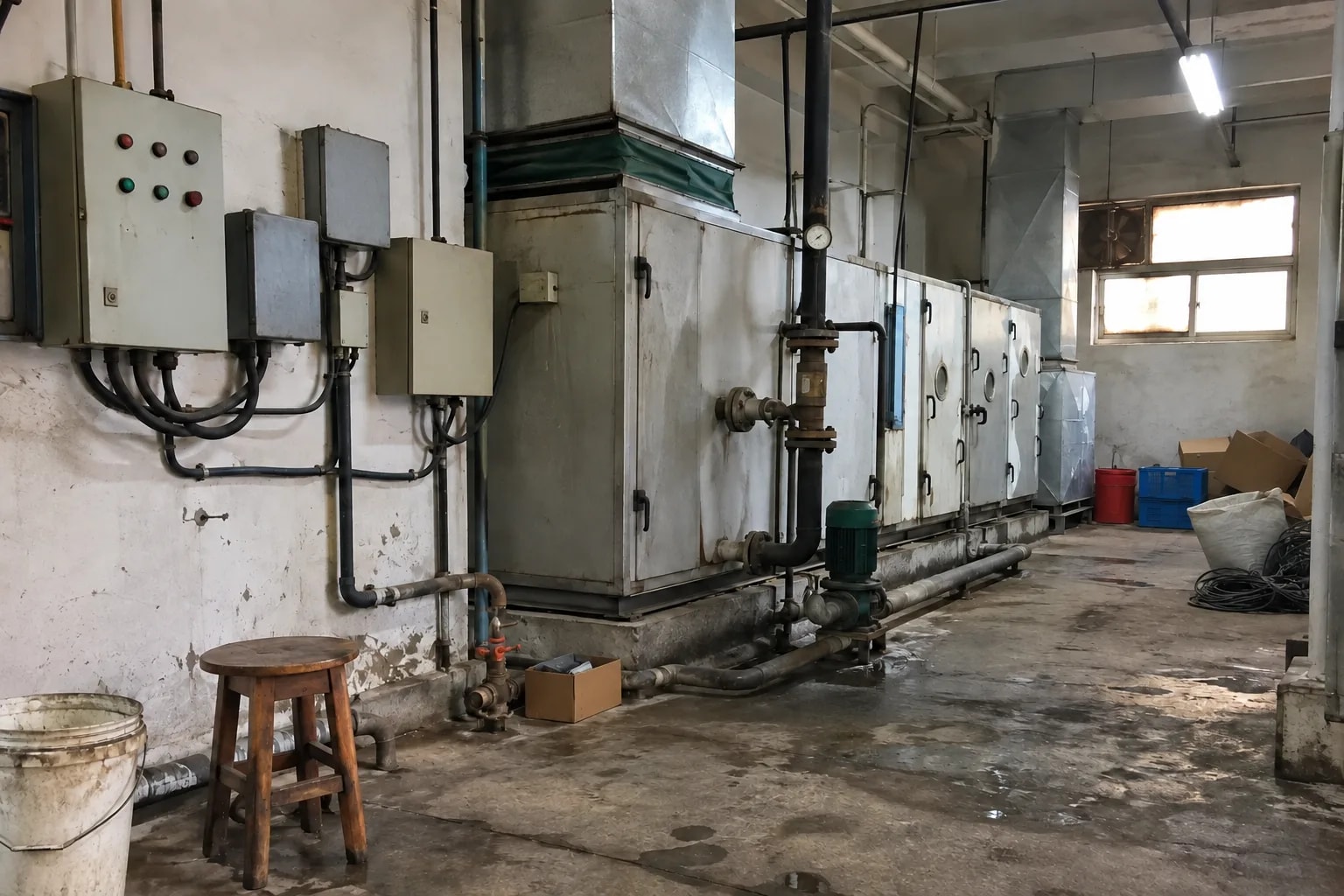
Factory floors and retrofits
Plant rooms on the shop floor, older sites with controllers on different protocols. The prediction follows the shift plan; every protocol lands in one point table.
Not a fit: split air conditioners, and anything needing certified safety control. Before enabling writes, check the meter's byte order and exercise rollback and alarms once each on your own plant.
How it works
The HVAC controller and energy meter already on site connect to one gateway host (reComputer R1100), which serves the browser console and the upper system you already run.
Three things: the field devices that already exist (a controller and a meter), one gateway host that holds the point model and the control path, and whoever reads the result. Nothing between the meter, the controller and the gateway leaves the plant network — the only outbound traffic is what you choose to publish northbound.
Field Devices
What you connect is what you already have. Nothing on the plant side is replaced.
| Field device | How it arrives | What it contributes |
|---|---|---|
| HVAC controller | OPC UA, Modbus TCP/RTU, or BACnet/IP | Setpoint, measured temperature, mode — the points that get read and written |
| Eastron SDM630 energy meter | Modbus TCP, a Modbus TCP gateway, or RS-485 | Ten read-only points: three-phase voltage and current, total active power, power factor, frequency, imported energy |
| Built-in OPC UA simulator | Bundled, on port 4841 | A dry run with no plant attached |
Confirm the meter's byte and word order before trusting the values. The built-in SDM630 template defaults to big-endian because that is the vendor's published default, not a value confirmed on a physical meter. Meter points are read-only and do not count against the 50 writable points.
Gateway Host
One box holds the point model, the prediction service, the write path and the console. Any x86-64 or arm64 Docker host on the plant network works.
| Requirement | |
|---|---|
| Runtime | Docker Engine 20.10 or newer |
| Disk | About 1 GB free |
| Ports | 8280 (console) and 4841 (OPC UA simulator) free |
| Serial | Modbus RTU needs the serial-device deployment profile |
| Reference device | reComputer R1100 — RS-485, RS-232, DI/DO and Gigabit Ethernet on board, so an RS-485 meter needs no USB adapter |
Size the gateway with a capacity run on your own point table before a site goes live.
Data Outputs
Browsers and northbound systems reach the gateway host over the plant network; no internet is needed.
Northbound publishing is off by default, and with it off nothing leaves the plant network. Container logs rotate, so export the command audit trail, rollback journal and alarm history on a schedule. Metric names and log settings are in the engineering wiki.
The data interface is listed under What You Get below.
How well it works
What the HVAC operator watches, approves and audits in the browser console once it is running.
Measured results
Capacity and latency baselines measured on developer hardware (reComputer R2000 Series, arm64) against protocol simulators.
| Metric | Typical | Device | Deployment Note |
|---|---|---|---|
| 2,000-point collection throughput | 349.99 events/s (99.99% of target) | reComputer R2000 Series | 4 protocol sources, 5s/10s polling cycles, 180s stable run |
| Prediction cycle latency | Max 46.27 ms (admission latency 1.41 ms) | reComputer R2000 Series | KNN setpoint model cycle calculation time, unloaded |
| Memory & resource footprint | Process group RSS peak 217.3 MiB | reComputer R2000 Series | Plain Docker deployment leaving ample system headroom |
No energy-saving percentage is claimed; normalise against your site baseline and weather. For detailed benchmark records and parameter tuning, see Engineering Wiki · HVAC Optimization Solution.
What you get out of it
Everything the deployment exposes sits behind one HTTP port on the gateway host.
| Port / endpoint | Payload | Needs internet |
|---|---|---|
8280 / | Browser console — point table with per-point quality, meter registration, prediction runs, command receipts, readback result, alarm banner | No |
8280 /system/runtime-metrics | Runtime counters, including northbound spool counters when publishing is enabled | No |
8280 /api/v1/health | Health check used at startup | No |
| 4841 | Built-in OPC UA simulator endpoint, for a dry run | No |
Every write gets a command receipt: requested value, effective value, actor, protocol acknowledgement and the readback result. A compensation issued by rollback appears as its own receipt right after the write it undid. Only Modbus points are read back and confirmed; BACnet outputs are not.
Porting It to Your Own System
The reusable unit is not "HVAC" — it is the chain one point model → prediction → authorised write → readback → rollback → alarm keyed by cause. Only the middle link is bound to setpoints: the prediction model and the safety limits that decide what a legal setpoint is. Everything around it carries over.
| Layer | What porting costs you |
|---|---|
| Protocol adapters (OPC UA, Modbus TCP/RTU, BACnet/IP) and the point registry | reuse as-is |
| Meter and device templates through one parser | reuse as-is; write a new template |
| Write-enable flag, write policy, last-known-good freeze | reuse as-is |
| Readback comparison and the five rollback triggers | reuse as-is |
| Alarms keyed by cause, acknowledge and recovery | reuse as-is |
| Prediction model and its features | retrain on the new process's own history |
| Safety limits (range, rate, mode whitelist) | re-derive and re-approve for the new process |
Same-shape processes fit: any setpoint an operator sets by hand on a schedule, where the value can be read back and a wrong value is uncomfortable rather than dangerous — chilled-water temperature, pump pressure, compressor staging, humidity.
Where this shape does not fit
- Anything on the safety loop. No certification, and a supervisory layer writing into an interlock is worse than none.
- Fast processes. The prediction loop runs below one cycle per second; sub-second closed loops belong in the controller.
- Devices that cannot be read back. A write-only actuator gets no verification, and rollback has nothing to check.
How to deploy
Tell us about your site — we work out the hardware, then you connect the data and follow the steps.
Configure yours
Tell us about the plant room — we work out the hardware.
Device Connection
How do the meter and the controller reach the gateway? This decides which ports the gateway has to carry, not which model runs.
Configure yours
Tell us about the plant room — we work out the hardware.
Plant-room gateway, 16 GB eMMC
Runs the point model, the KNN prediction service, the write path with readback and rollback, and the console on port 8280. RS-485, RS-232, DI/DO and Gigabit Ethernet are on board, so a meter on RS-485 needs no USB adapter — Modbus RTU still requires the serial-device deployment profile. The service needs about 1 GB; the rest is your local history window.
硬件/物料名称 数量 型号/SKU 说明 reComputer R1100 (4 GB RAM, 16 GB eMMC) 1 113991374 - Plant-room gateway, 32 GB eMMC
Same gateway with the larger eMMC, for keeping months of operating history on the box — enough to re-import the training set locally instead of fetching it from a server. Same on-board RS-485, RS-232, DI/DO and Gigabit Ethernet, same serial-device profile requirement for Modbus RTU.
硬件/物料名称 数量 型号/SKU 说明 reComputer R1100 (4 GB RAM, 32 GB eMMC) 1 113991334 -
Or compare them yourself: preset specificationsDeployment Guide · 60min →
Hardware Equipment List by Preset
| Setup | Role | Device | Qty |
|---|---|---|---|
| Standard Deployment | Edge Device | reComputer R1100 Series | 1 |
Technical Specifications & Implementation Comparison
One package. The choices that matter are made during commissioning, not at purchase.
| Package | Gateway host | What it deploys | Control on day one |
|---|---|---|---|
| Standard Deployment | reComputer R1100, or any x86-64 / arm64 Docker host on the plant network | KNN prediction service, point model, meter registration, write path with readback and rollback, alarm envelope, browser console on 8280 | No — observe only until readback, rollback and alarms have each been exercised on your own plant and a named engineer has approved the safety limits |
The edge device is optional in the package: deploying on a machine you already have is a supported target, and the remote target over SSH is what you use when the meter is on RS-485 or the controller network is not reachable from your workstation.
Difficulty is rated intermediate; the estimate is 60 minutes to a running console with points reading. Commissioning — meter registration, an observe-mode occupancy cycle, deliberate fault injection, then enabling writes — takes longer and is the step that decides whether the deployment is trustworthy.
FAQ
No figure is claimed. There is no baseline, no weather or occupancy normalisation and no agreed measurement period in this package. What it gives you is the instrumentation for that study — meter and HVAC points in one table, predicted against actual, with a command audit trail.
No. It ships observe-only and writes nothing until an operator enables control. The safety limits (18-30 °C, 1 °C per 5 minutes, a mode whitelist) ship as placeholders and stay unapproved until a named site engineer signs them off.
An acknowledgement is not treated as proof — every write is read back after a settle delay and compared within a tolerance. A mismatch raises an alarm and rolls the point back. The compensation goes through the same authorised write path, so it cannot bypass the write-enable flag.
OPC UA, Modbus TCP, Modbus RTU over RS-485, and BACnet/IP. COV subscription, BBMD registration and MS-TP are not implemented. Only Modbus points are read back and confirmed; BACnet outputs are not.
No. The service is a Docker workload on x86-64 or arm64, and a Linux machine you already have on the plant network is a supported target. The R1100 is the reference device because RS-485, RS-232, DI/DO and Gigabit Ethernet are on board.
The registry holds 2,000 points, of which 50 may be writable; the ten SDM630 meter points are read-only and do not count against the 50. Run your own load test on the target gateway before sizing a site.
Almost always float word order rather than wiring. The SDM630 template defaults to big-endian, which is the vendor default and not confirmed on a physical meter. Switch the word order in the deployment form and re-read before changing anything else.
Didn't find your answer?
Contact Us
We Are Glad to Be Your Hardware Partner !